QSR
A restaurant POS that puts the quick back in quick service
High order volume, multiple counters and a delivery queue that never stops. Restiqo keeps every terminal in sync so nobody waits on the software.
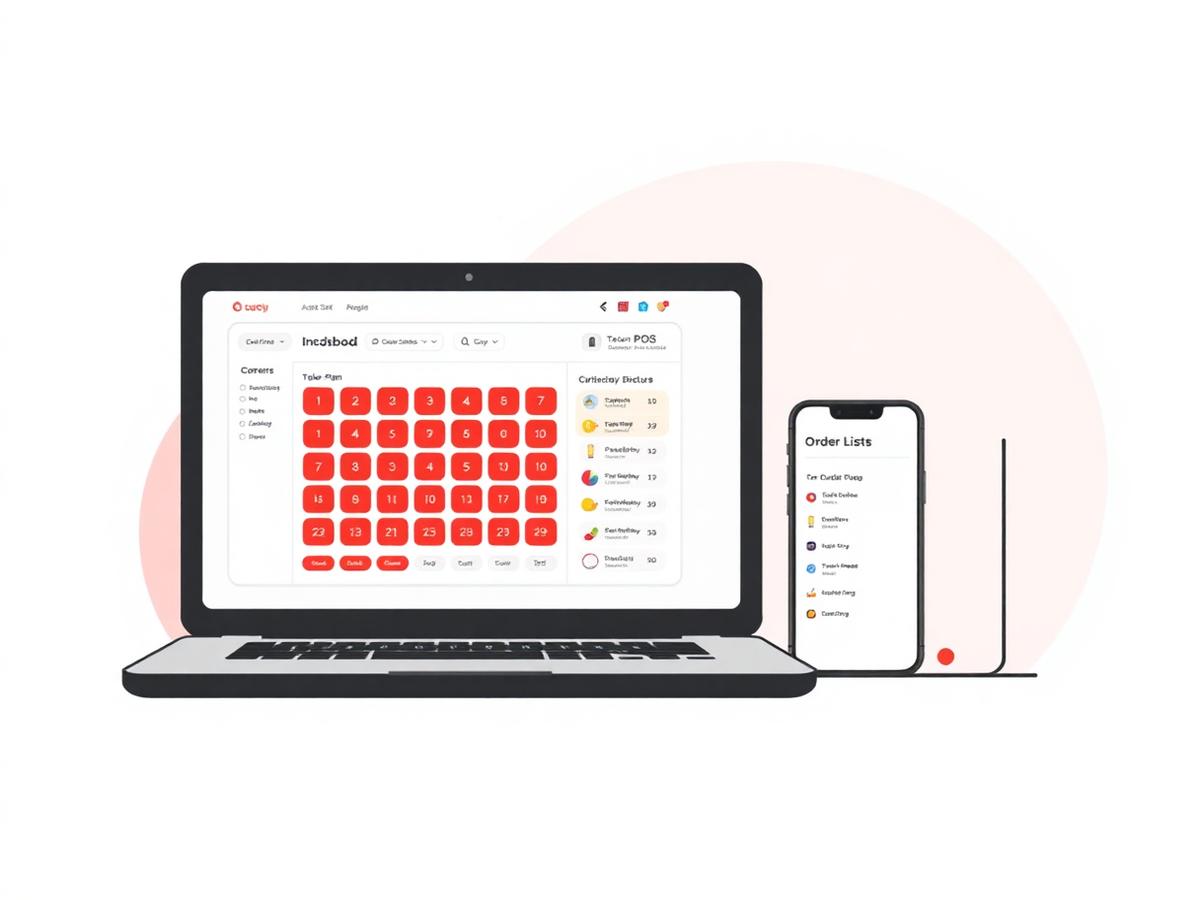
Operational challenges
What slows down QSR teams
- Queues build up when a single counter is the bottleneck at peak hour
- Orders arrive from several delivery apps on separate tablets
- Combos, variants and add-ons take too many taps to punch
- Token numbers and pickup calls are managed on paper
Relevant features
How Restiqo is configured for QSR
Multi-terminal billing
Run as many counters as you need on one live menu and one live stock count.
Aggregator orders in one screen
Accept, print and track delivery orders without switching tablets.
Combos in two taps
Pre-built meal combos, add-ons and variations punched in seconds.
Token & pickup flow
Every bill generates a token that moves with the order through the kitchen screen.
Example workflow
A shift on Restiqo, step by step
Guest orders at the counter
Cashier searches the item, picks the combo and applies add-ons from the same line.
KOT fires instantly
The ticket lands on the kitchen screen with a token number and a live timer.
Delivery orders join the same queue
Aggregator orders drop into the kitchen queue alongside counter orders, in sequence.
Ready call goes out
Kitchen marks the token ready; the counter sees it and calls the guest.
Stock deducts itself
Recipes deduct raw material as each dish is billed, so day-end counts already match.
Benefits
What changes for your QSR outlet
- Shorter queue time because billing is not waiting on one terminal
- Fewer missed delivery orders when every channel is on one screen
- Consistent combo pricing across all counters
- Billing continues during an internet outage and syncs after
FAQ
QSR questions we get asked
Ready to see it running in your business?
Book a free, no-obligation demo. We will walk through your actual workflow and show you exactly what changes.